Release v2.7.0 - Sept 12th, 2025
This is a new major update to the site, with the addion of Groups support, an overhaul of the Events system to make it easier to use and find events. New notification updates, and general bug fixes.
New Features
- New Events List Page
- New Hide Club Events Toggle
- New My Events Page
- New Invited Events Page
- Event Comments Are Now Posts
- Groups Support
- My Groups Page
- New Pending Groups Page
- Group Posts
- Updated Notification Look
Feature - New Events List Page
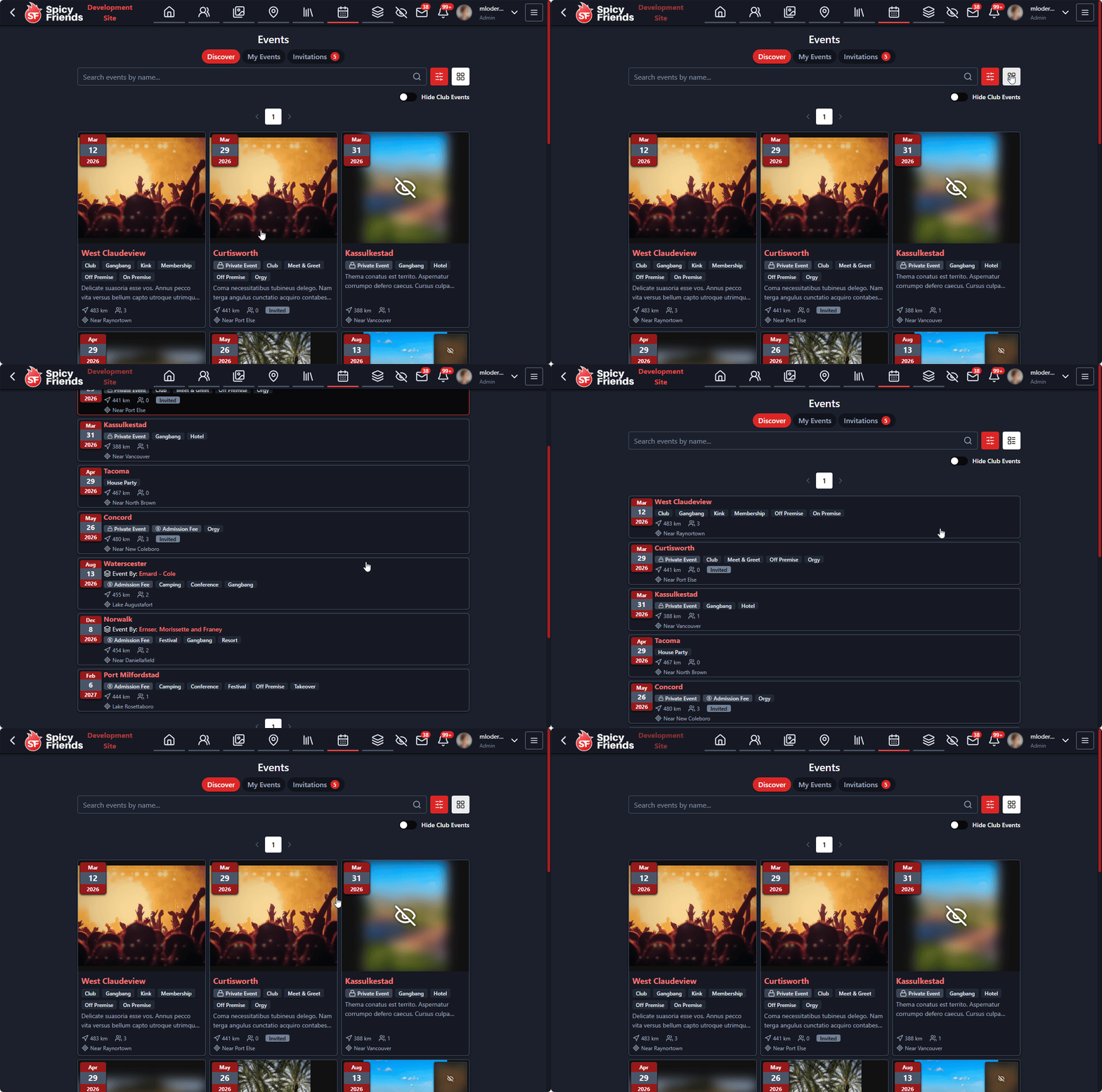
We've completely redesigned the events page to make it easier to discover and browse events. The new events list page features:
- Improved filtering options - Filter by date range, event type, location, and more
- Better search functionality - Find events by name without opening the filter
The new layout makes it much easier to find events that interest you and see what's happening in your community.
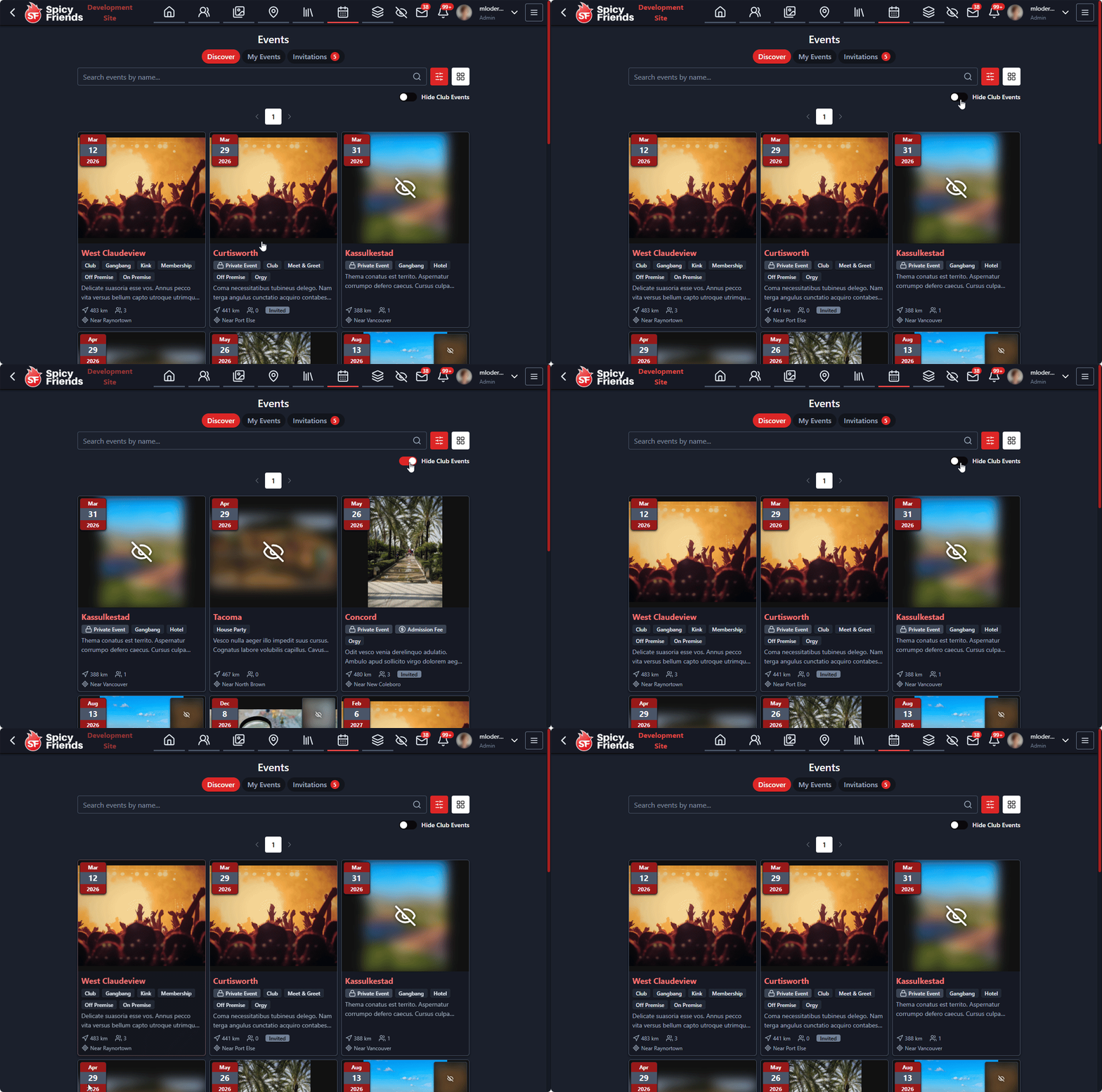
Feature - New Hide Club Events Toggle
As you probably notice club events dominate the events list making it hard to find what else is available. There is a new toggle button now to hide club events to make other events easier to find.
- Easy toggle control - Located in the events page settings, you can quickly show or hide club events
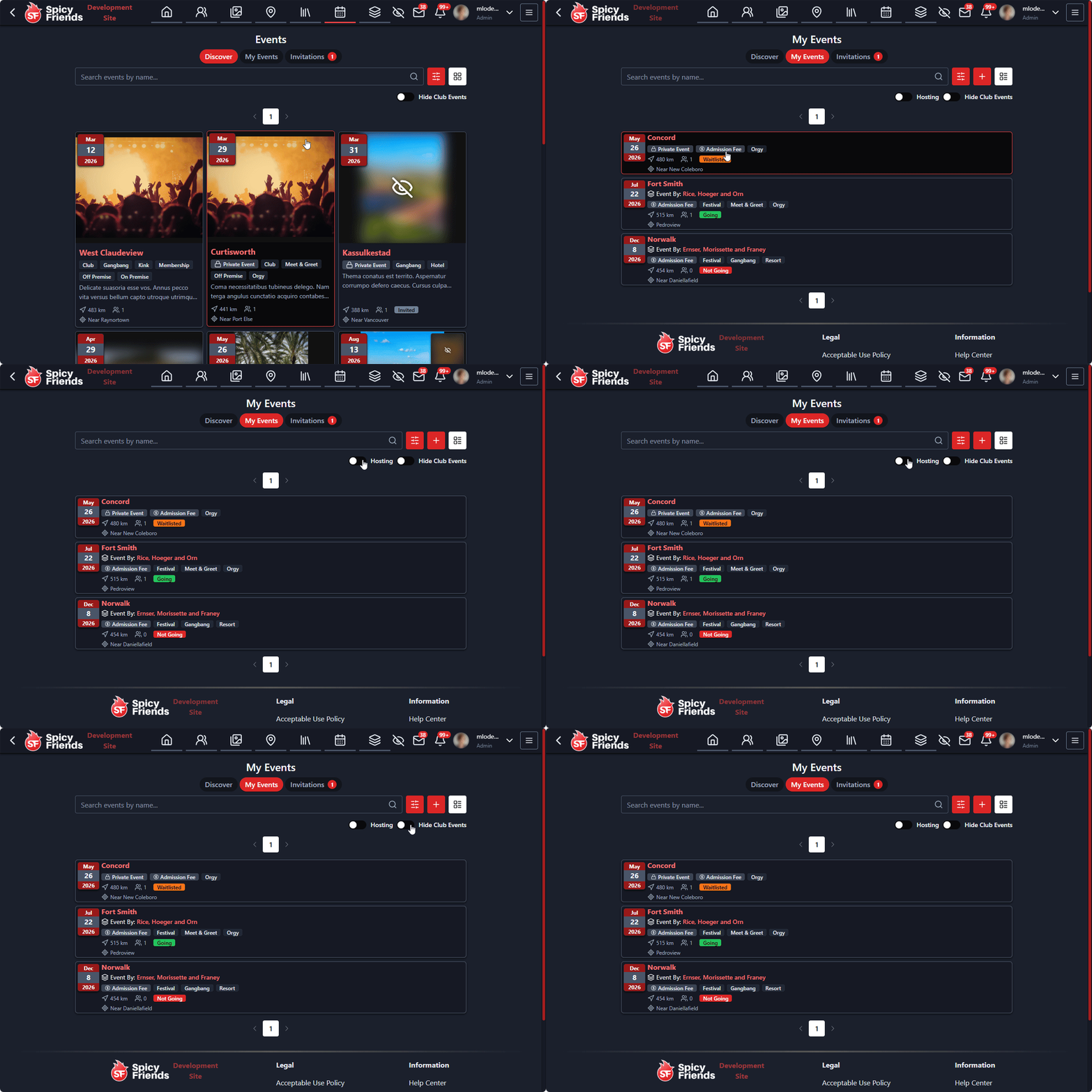
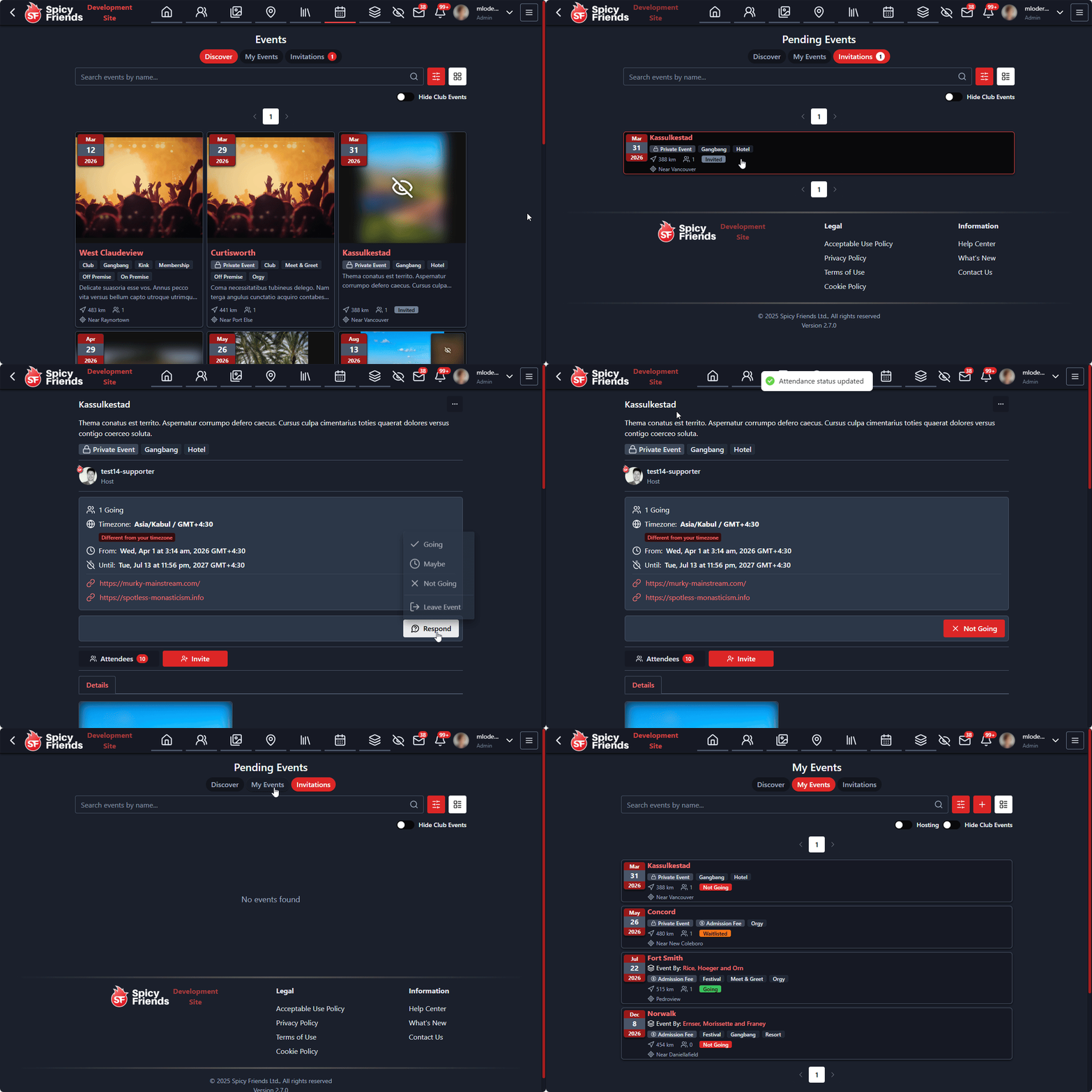
Feature - New My Events Page
Keep track of all events you are interacting with and going too from this new page. The new "My Events" page provides a comprehensive view of your event participation:
- Events you're attending - See all events you've RSVP'd "going" to
- Events you're hosting - Quick access to events you've created
- Event history - View past events you've attended or hosted
Feature - New Invited Events Page
Never miss an event invitation again! The new "Invited Events" page shows all events you've been invited to:
- Pending invitations - See all events where you haven't responded yet
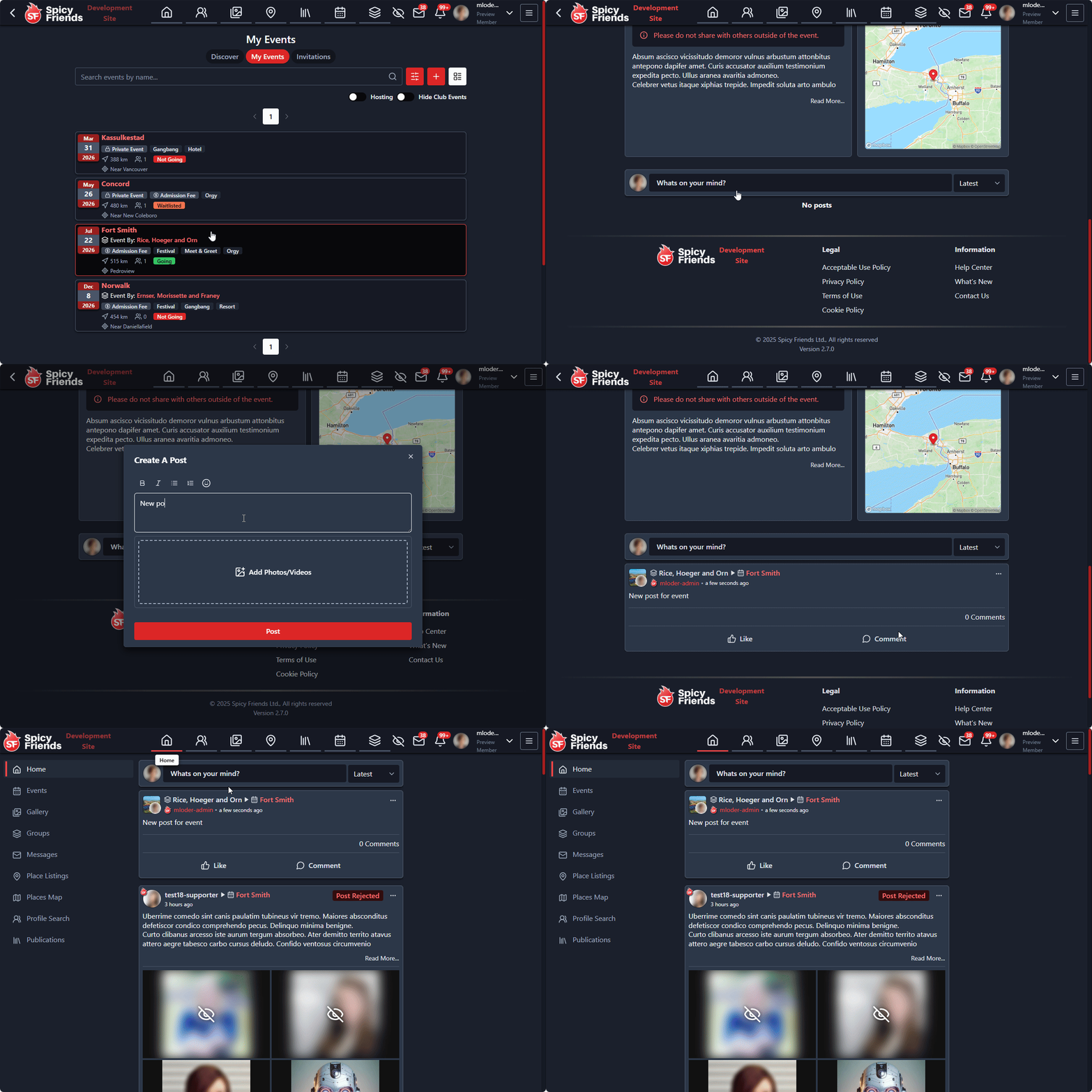
Feature - Event Comments Are Now Posts
We've enhanced the event commenting system by converting comments into full posts. This provides a richer discussion experience:
- Rich text formatting - Use bold, italic, links, and other formatting in your event posts
- Image and media support - Share photos, videos, and other media in event discussions
- Post reactions - Like, love, or react to posts with emojis
- Threaded discussions - Reply to specific posts to create organized conversation threads
- Post editing - Edit your posts after publishing to correct mistakes or add updates
- Post moderation - Event hosts can moderate posts and remove inappropriate content
- Notification system - Get notified when someone replies to your posts or mentions you
This upgrade transforms event discussions from simple comments into engaging, multimedia conversations.
Feature - Groups Support
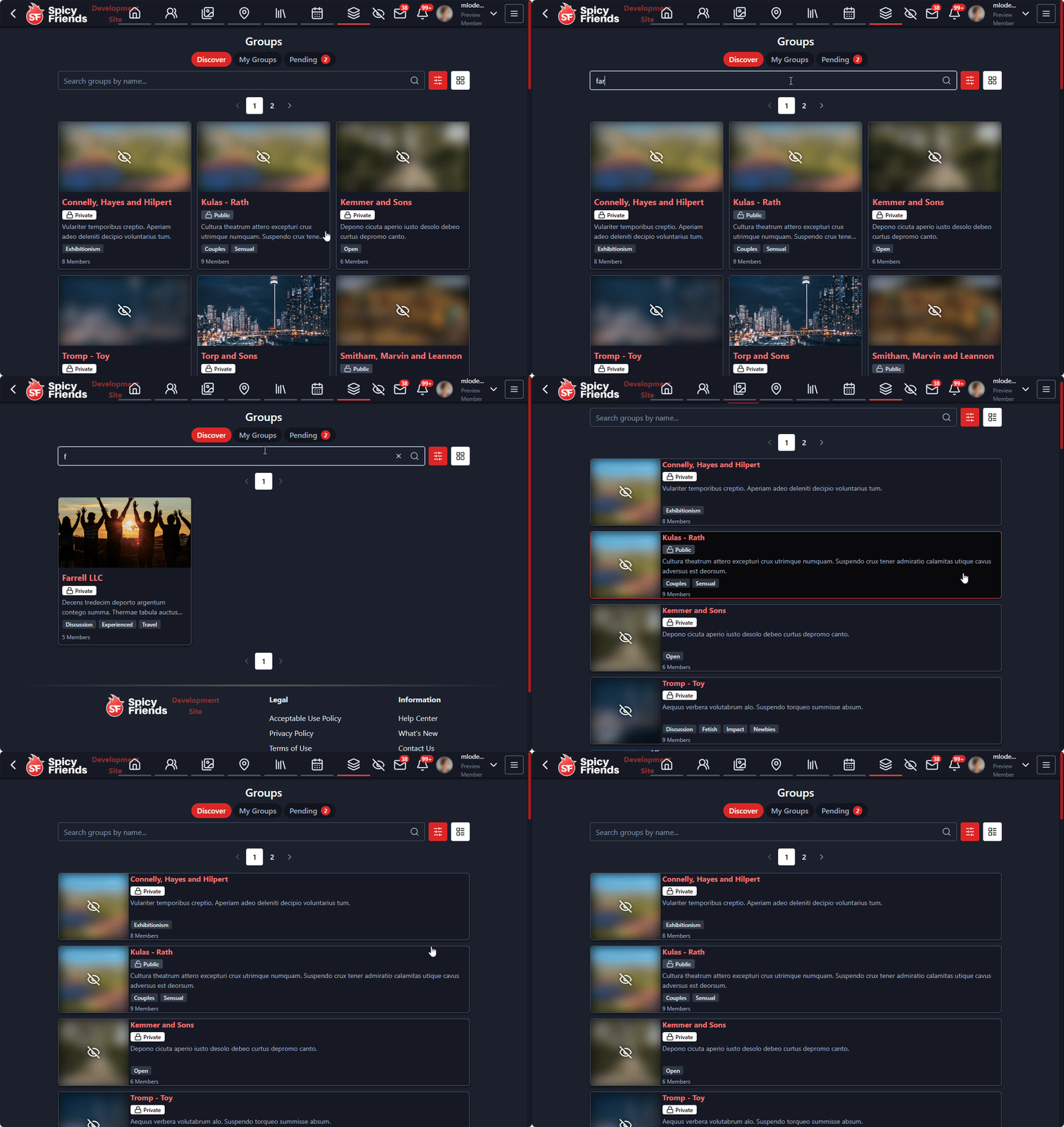
Introducing Groups - a powerful new way to connect with like-minded people and organize around shared interests:
- Create and join groups - Start your own group or discover existing ones
- Group categories - Groups are organized by categories like hobbies, sexual interests, and more
- Privacy controls - Choose between public, private, or invite-only groups
- Group roles - Assign moderators and administrators to help manage your group
- Group discovery - Find groups through search or browsing categories
- Member management - Invite members, approve join requests, and manage member roles
- Group settings - Customize group rules, descriptions, and visibility settings
- Group events - Add events specific for your group members only
Groups provide a dedicated space for communities to form, share content, and organize activities around common interests.
Feature - My Groups Page
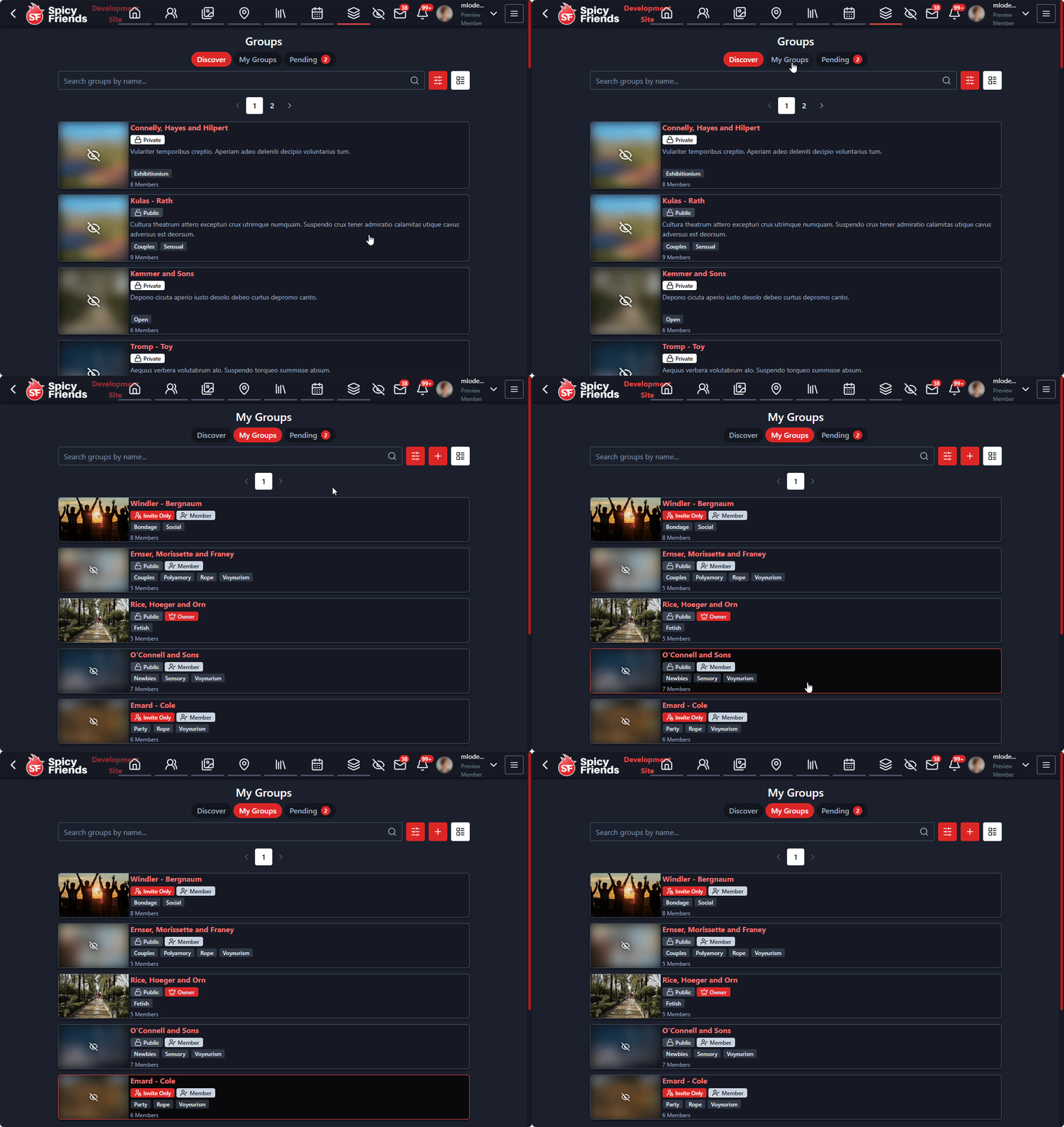
Your personal dashboard for all group-related activities. The "My Groups" page gives you complete control over your group memberships:
- Joined groups - See all groups you're currently a member of
- Groups you manage - Quick access to groups where you have admin or moderator privileges
This centralized hub makes it easy to stay engaged with your communities and manage your group memberships effectively.
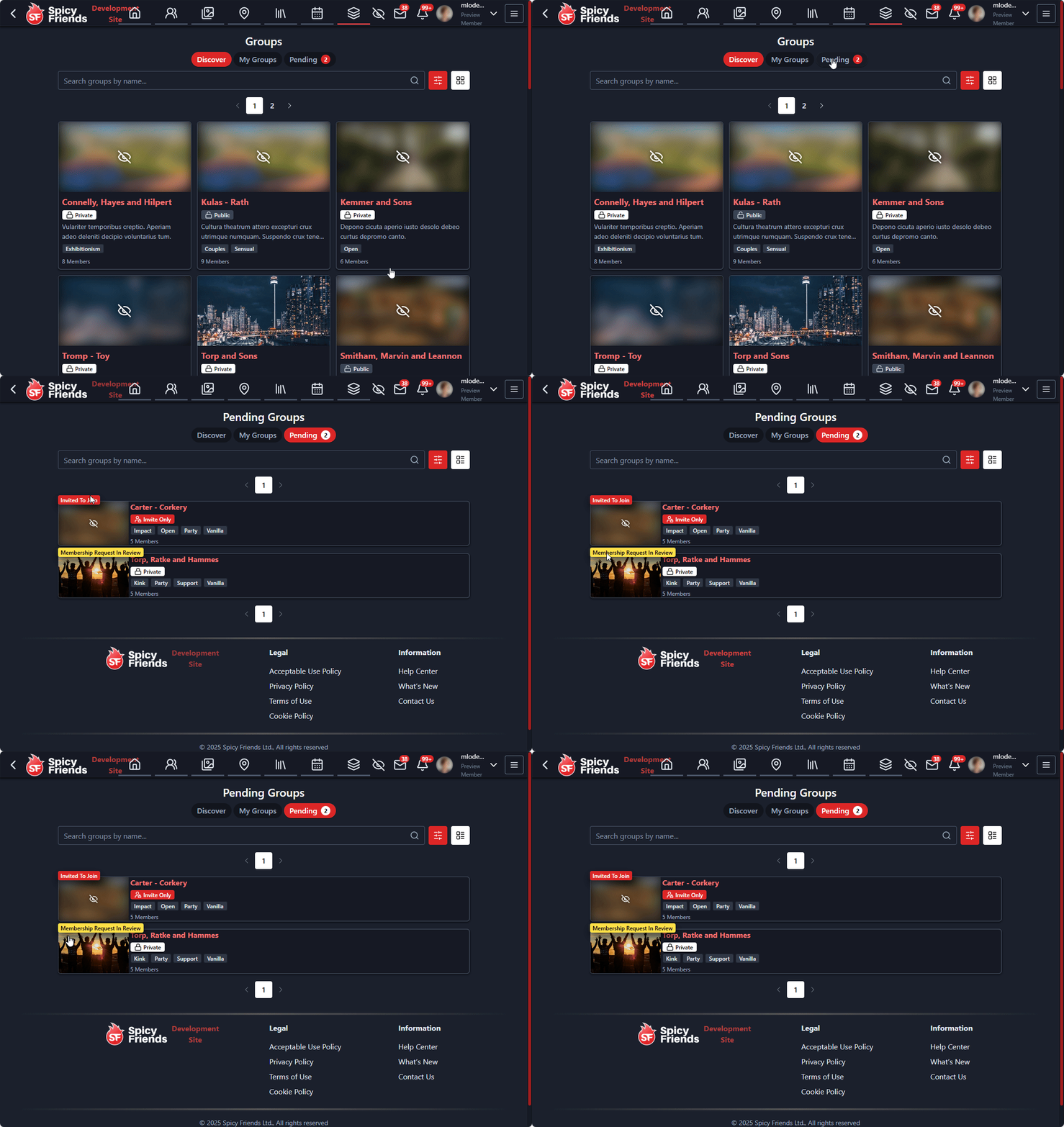
Feature - New Pending Groups Page
This page shows the status of groups you have requested to join, or groups you have been invited too.
Feature - Group Posts
Groups now have their own dedicated posting system for sharing content and starting discussions:
- Rich post creation - Create posts with text, images, videos, and links
- Post reactions and comments - Engage with posts through reactions and threaded comments
- Post visibility - Control who can see your posts within the group
- Post moderation - Group moderators can edit, or remove posts as needed
- Post notifications - Get notified about new posts, comments, and reactions
Group posts create a vibrant community space where members can share ideas, ask questions, and build relationships.
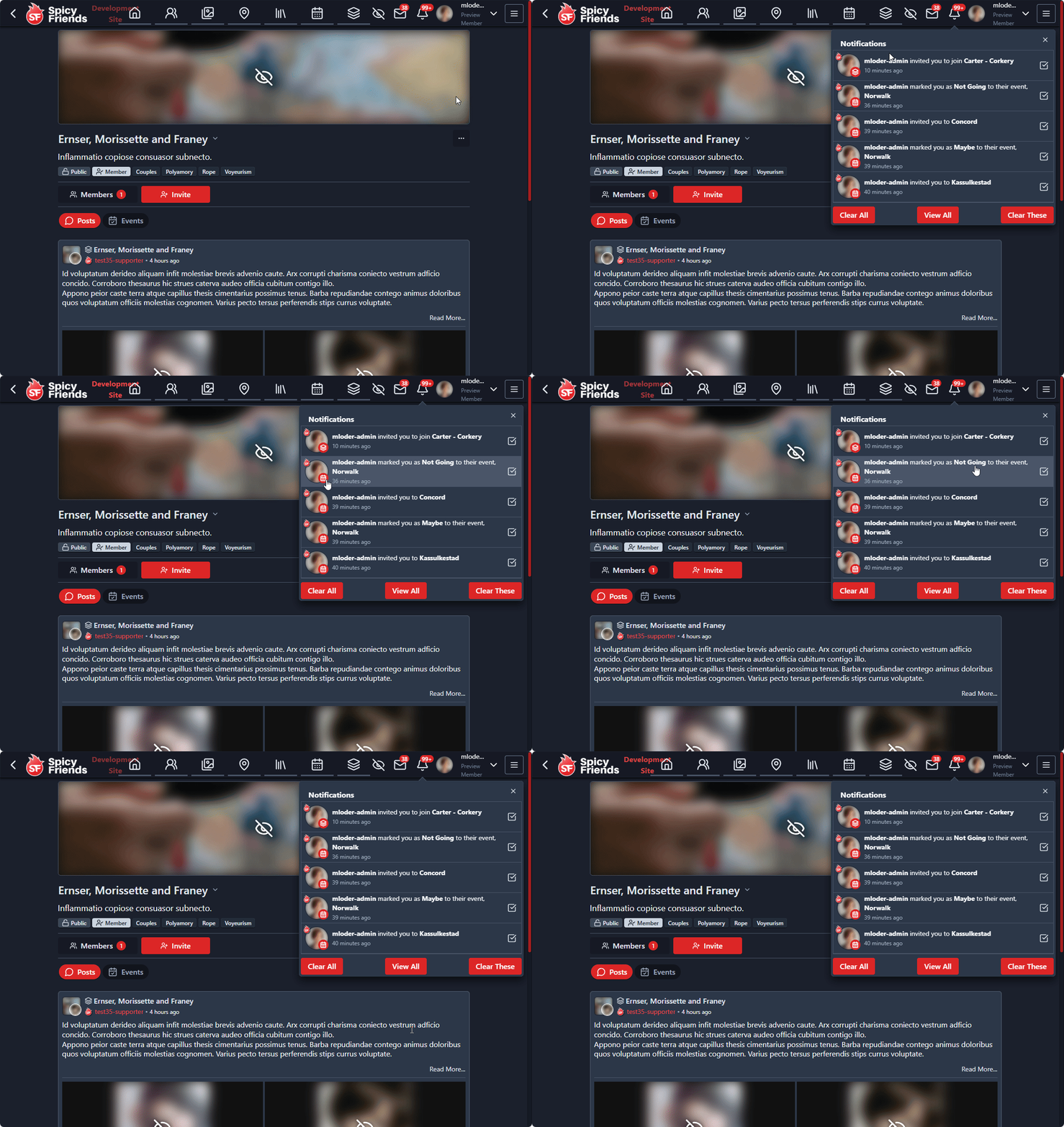
Feature - Updated Notification Look
We've given notifications an update to provide extra context around what the notifications are for.
- Cleaner visual design - Streamlined notification cards with better typography and spacing
- Improved readability - Better contrast and font choices make notifications easier to read
The updated notification system provides a more intuitive and visually appealing way to stay informed about activities across the platform.