Release v1.3.0 - March 22, 2025
This update has focused more on improving the user experience and addressing user feedback.
New Features
- Improved Date Input Controls
- Support for HEIC and HEIF Image Uploads
- Publication Sorting by Rating and Latest
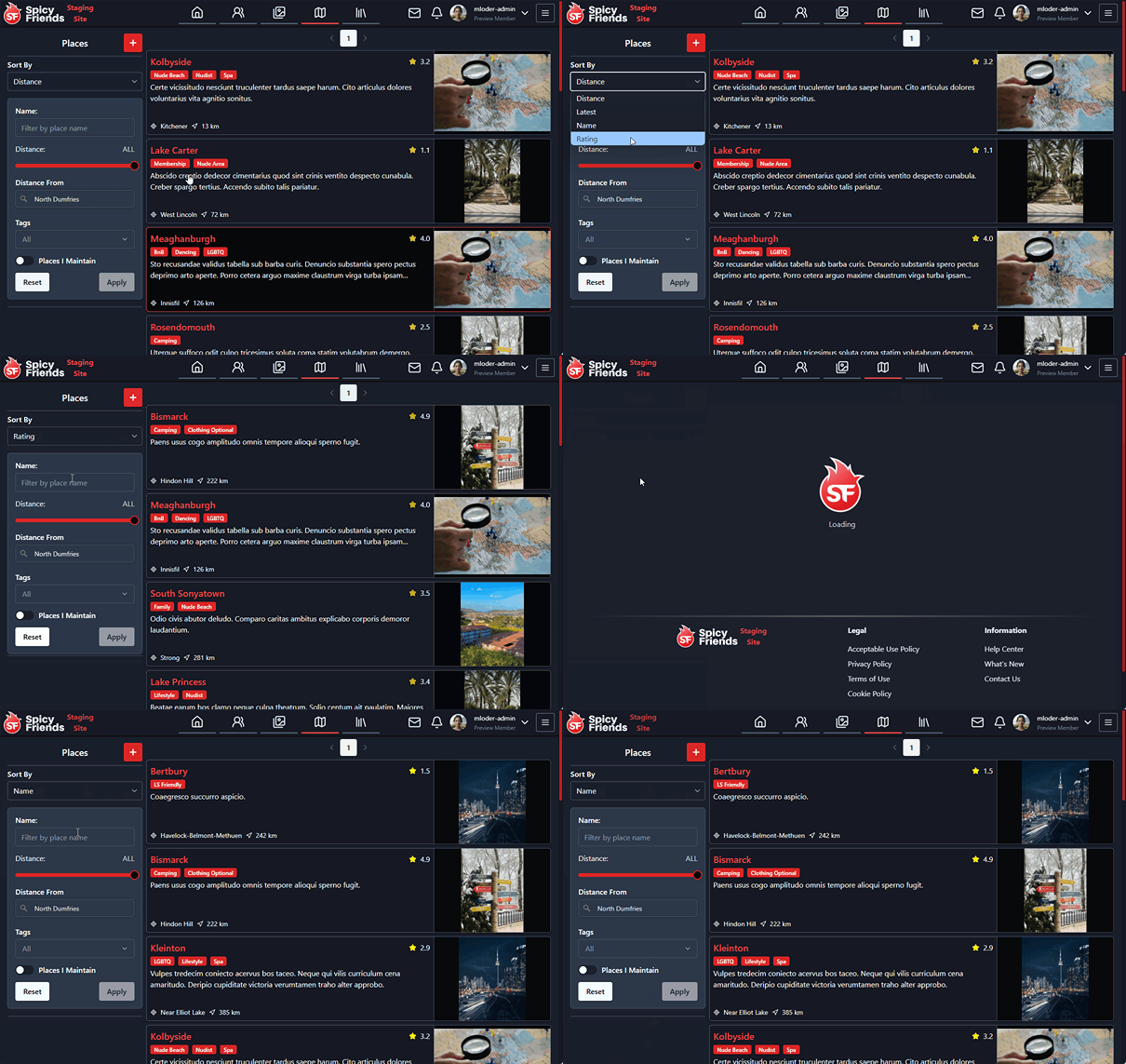
- Places Sorting by Rating and Name
Bug Fixes
- Enhanced Post Engagement Calculation
- Improved Preview Image Display
- Changed the default sort for publications to rating
- Increased font size on the places page for better readability
- Fixed highlight color when selecting text for improved visibility
- Resolved an error on the post edit page when no text content is present
- Fixed Unknown Profile from displaying when everyone but you has left the conversation.
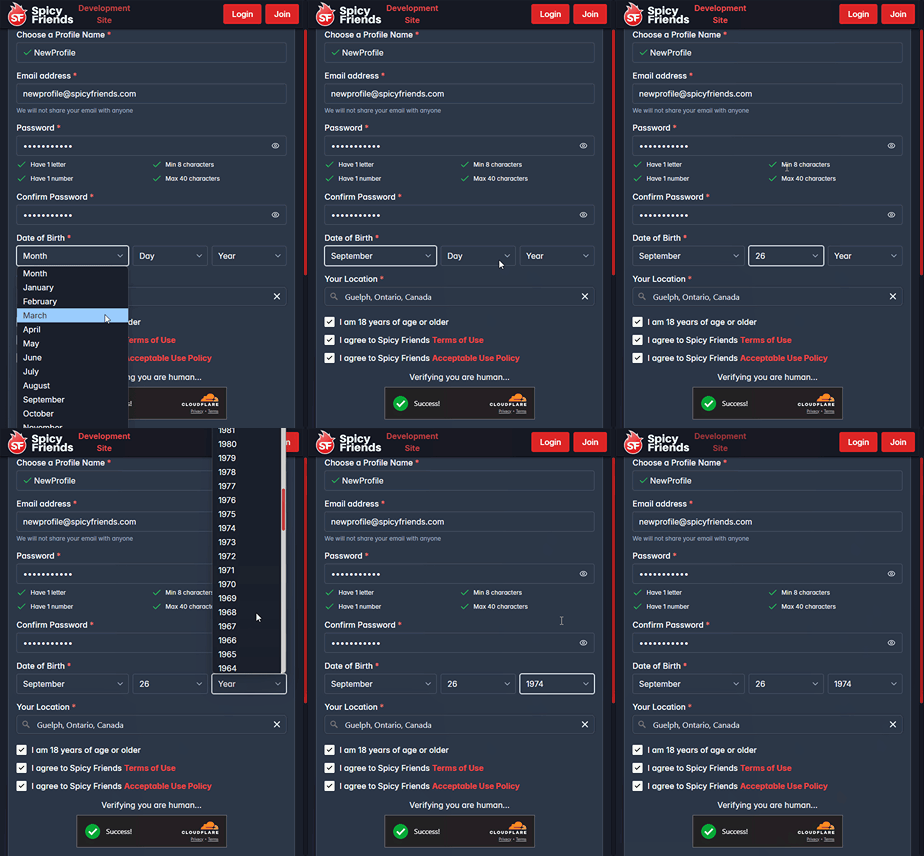
Feature - Improved Date Input Controls
We've addressed feedback regarding date input functionality on mobile devices. All date input fields now utilize three separate controls for month, day, and year, making date selection significantly easier on mobile devices.
Feature - Support for HEIC and HEIF Image Uploads
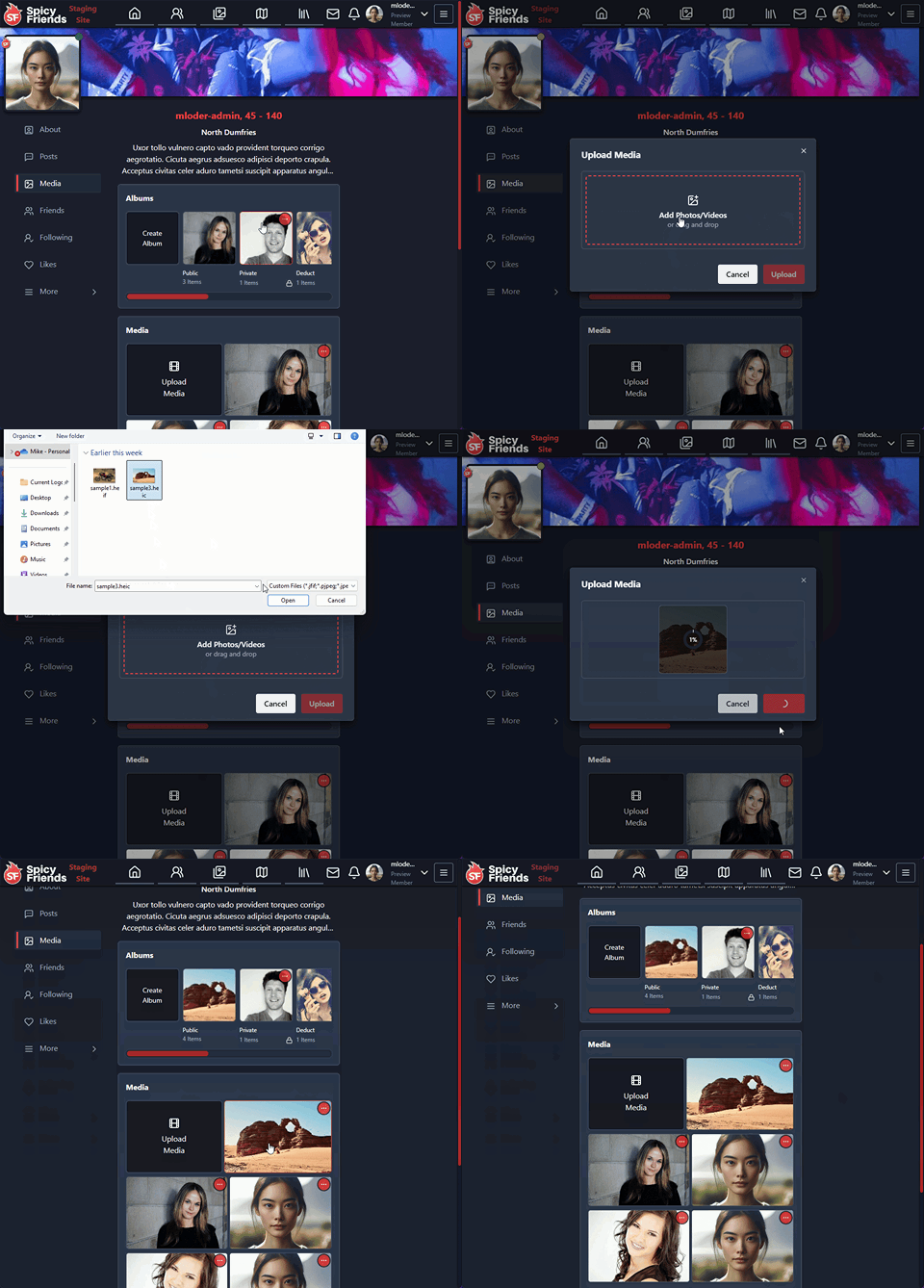
Spicy Friends now supports HEIC and HEIF image formats commonly used by modern smartphones. The interface displays a progress indicator while processing these potentially larger image files.
Feature - Publication Sorting by Rating and Latest
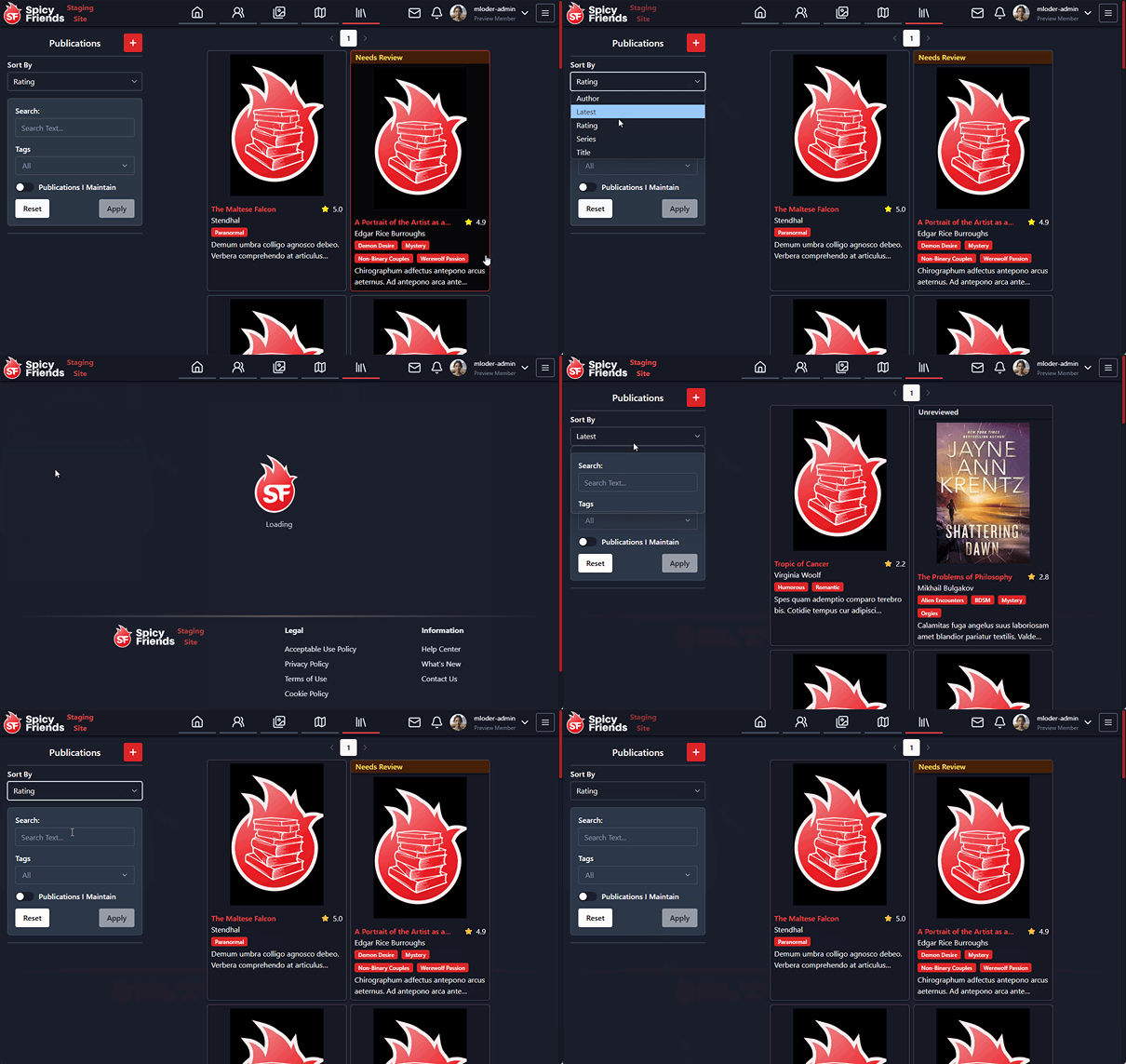
You can now sort publications by their rating or by date added, giving you more control over how you browse content.
Feature - Places Sorting by Rating and Name
Places can now be sorted by rating or alphabetically by name, making it easier to find the locations you're interested in.
Bug Fix - Enhanced Post Engagement Calculation
We've refined our trending post algorithm by improving how engagement is calculated. The system now better accounts for post age when determining engagement value. This prevents older posts with high engagement from dominating trending lists, ensuring you see more relevant and timely content.
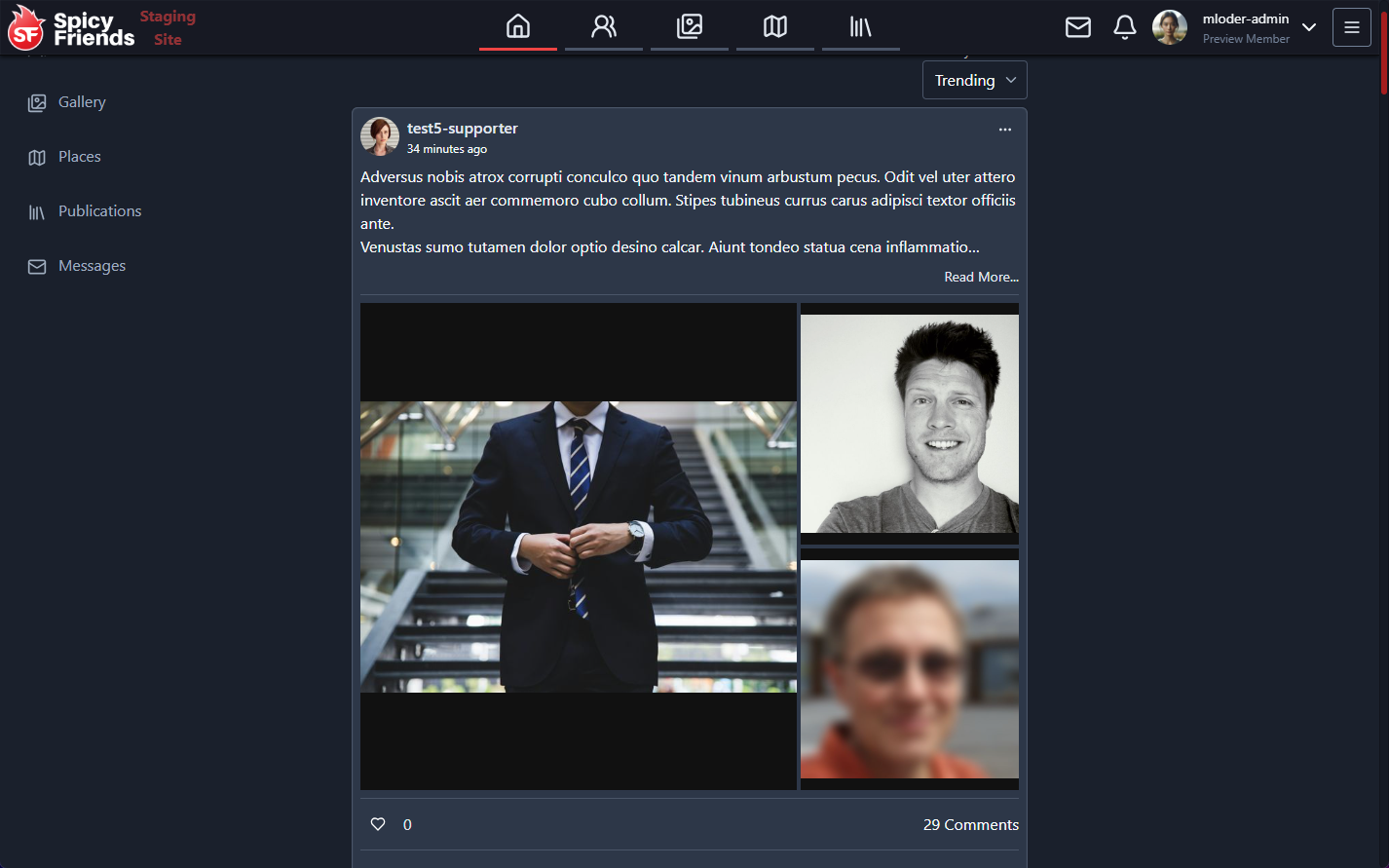
Bug Fix - Improved Preview Image Display
We've updated how preview images appear in posts to eliminate image clipping. Rather than cropping images to fit available space, images are now properly scaled to show their complete content. While this may result in letterboxing (black bands on the sides or top/bottom), it ensures you can view the entire image as intended.